


The fix was to do as follows (note that this will reset your Safari preferences, so anything special you have set will need to be reset):
- Close Safari.
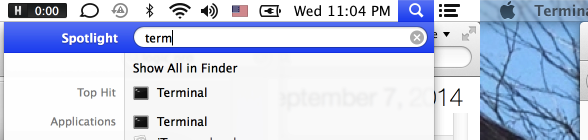
- Open up the Terminal app (start typing “Term” in the spotlight).
- Type “cd ~/Library/Preferences/” without the quotes
- Type “mv com.apple.Safari.plist ~/” without the quotes
- Restart Safari. Voila.


 Seth Orion Viebrock